
Run your brand from any tab.
Curator already knows the business behind the page you are on.
It brings the context and the staged fix into the tab. You approve. It acts.
 Google Ads · Campaigns · Meridian
 Meridian · Shopify admin
 SCurator
PMax ROAS slid 1.46x to 0.92x over the last 5 days. YouTube placement spend rose 3x while branded search spend fell 40%. Shopify shows flat new customer revenue, so this is spend mix drift, not attribution noise.
Campaigns updatevia Google AdsThe context you need is on another tab. Curator brings it to this one.
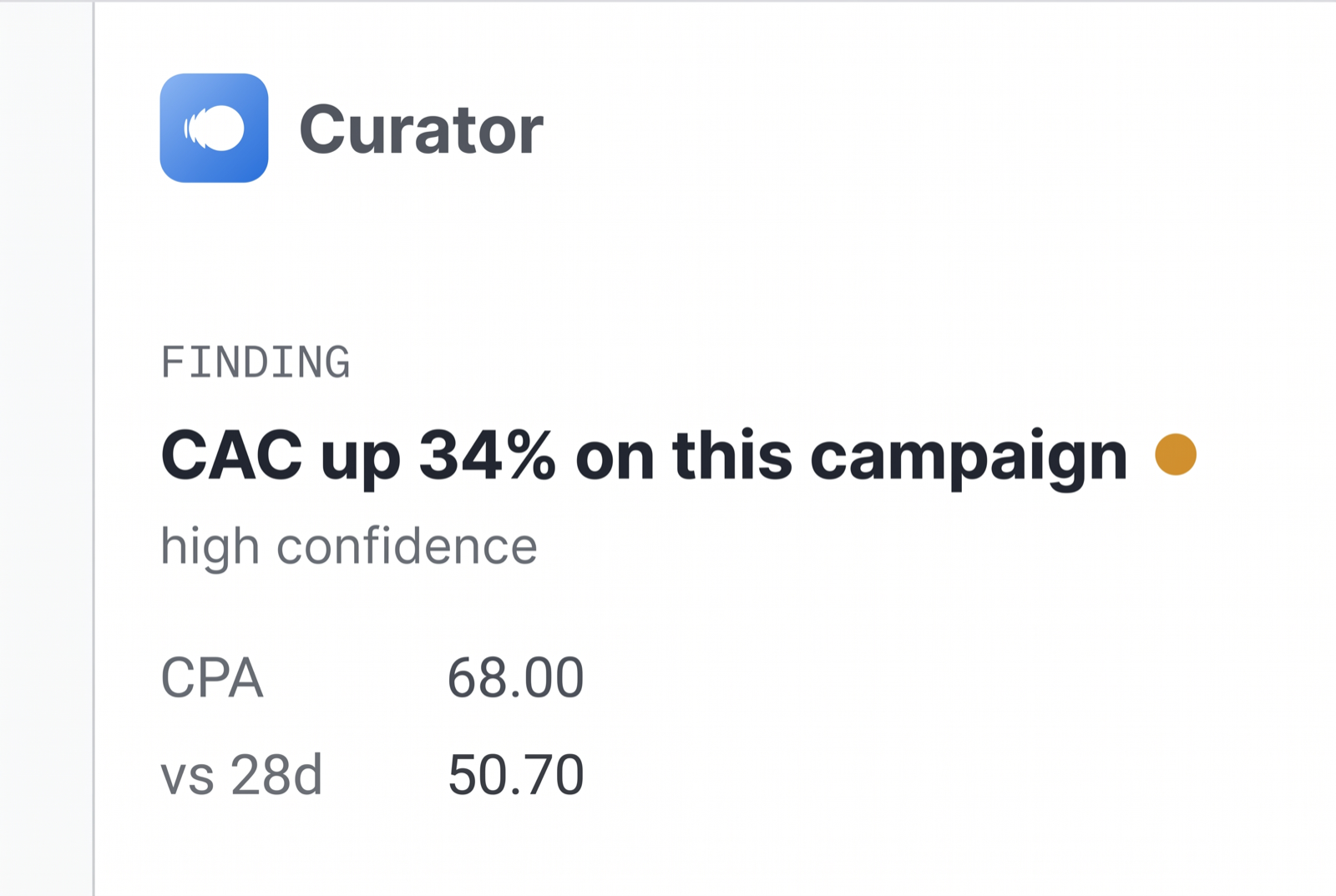
Curator watches the page and flags what is wrong before you go looking.
Curator rides along on every site, one click away in your toolbar.
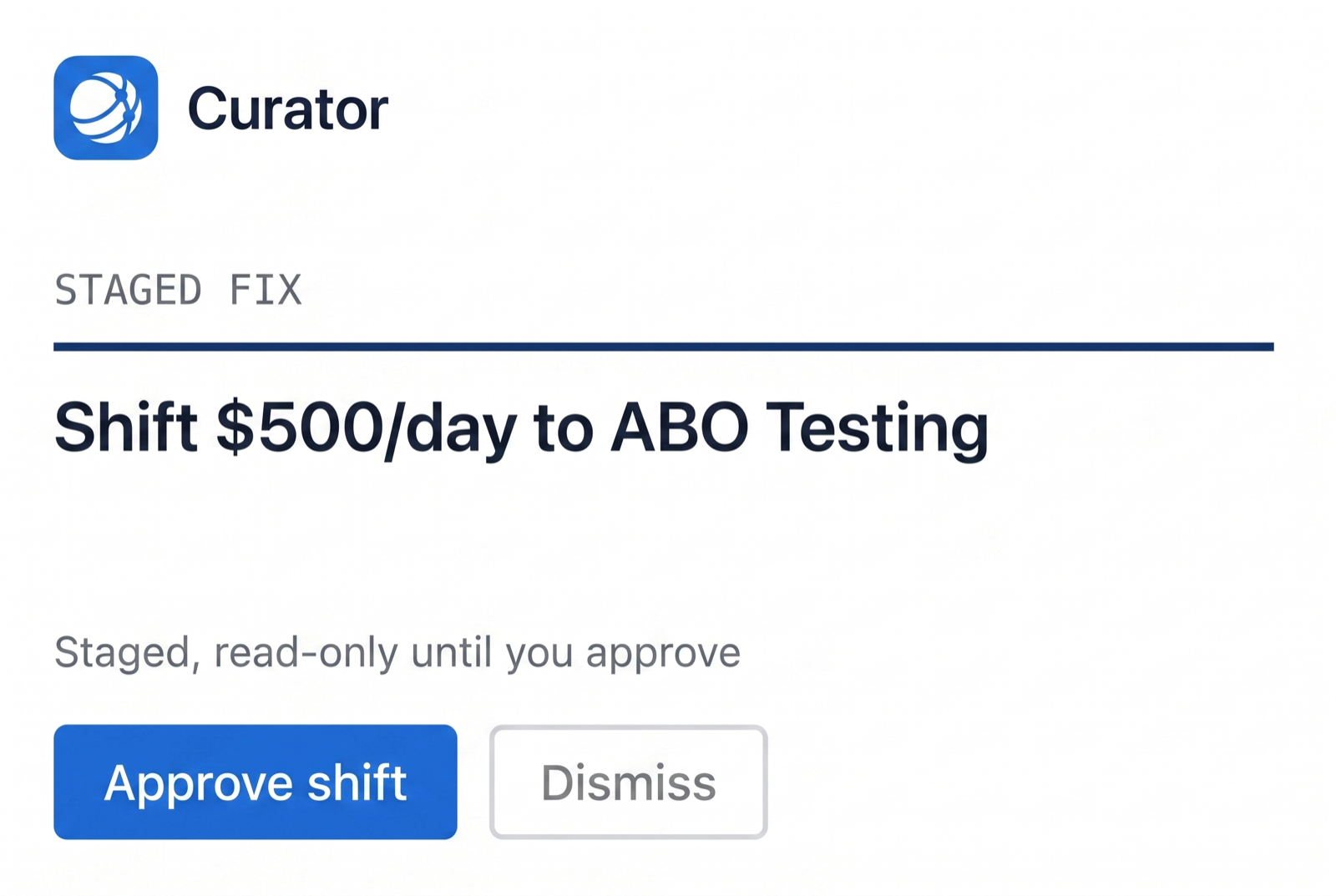
Every change waits in the panel for your approval, with one-click rollback.
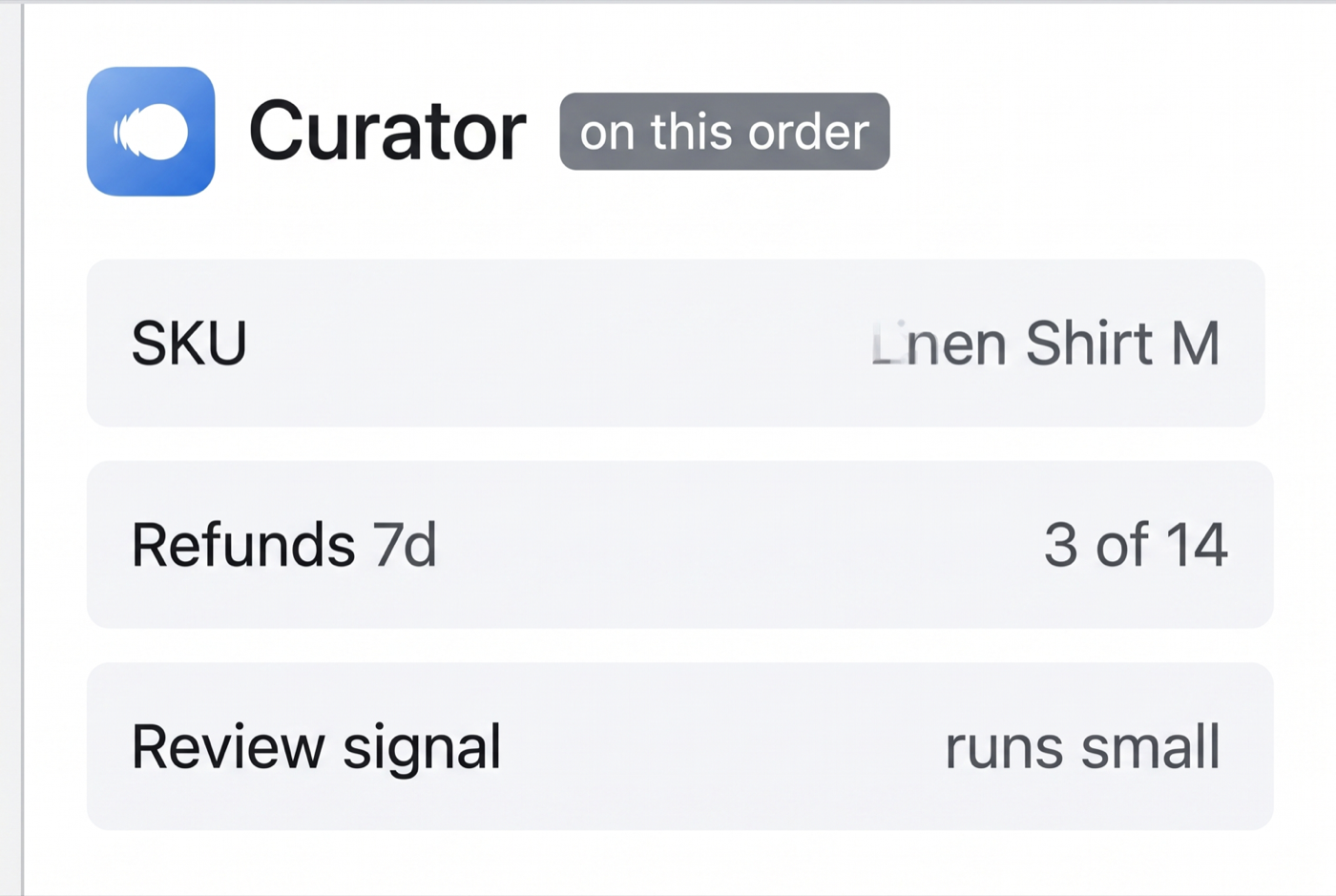
The whole business, connected to the exact order or campaign you are viewing.
Plug and play. Live in minutes.
No setup project. No IT ticket. No training videos.
Install from the Web Store and sign in. Your stack is already connected, so there is nothing to set up.
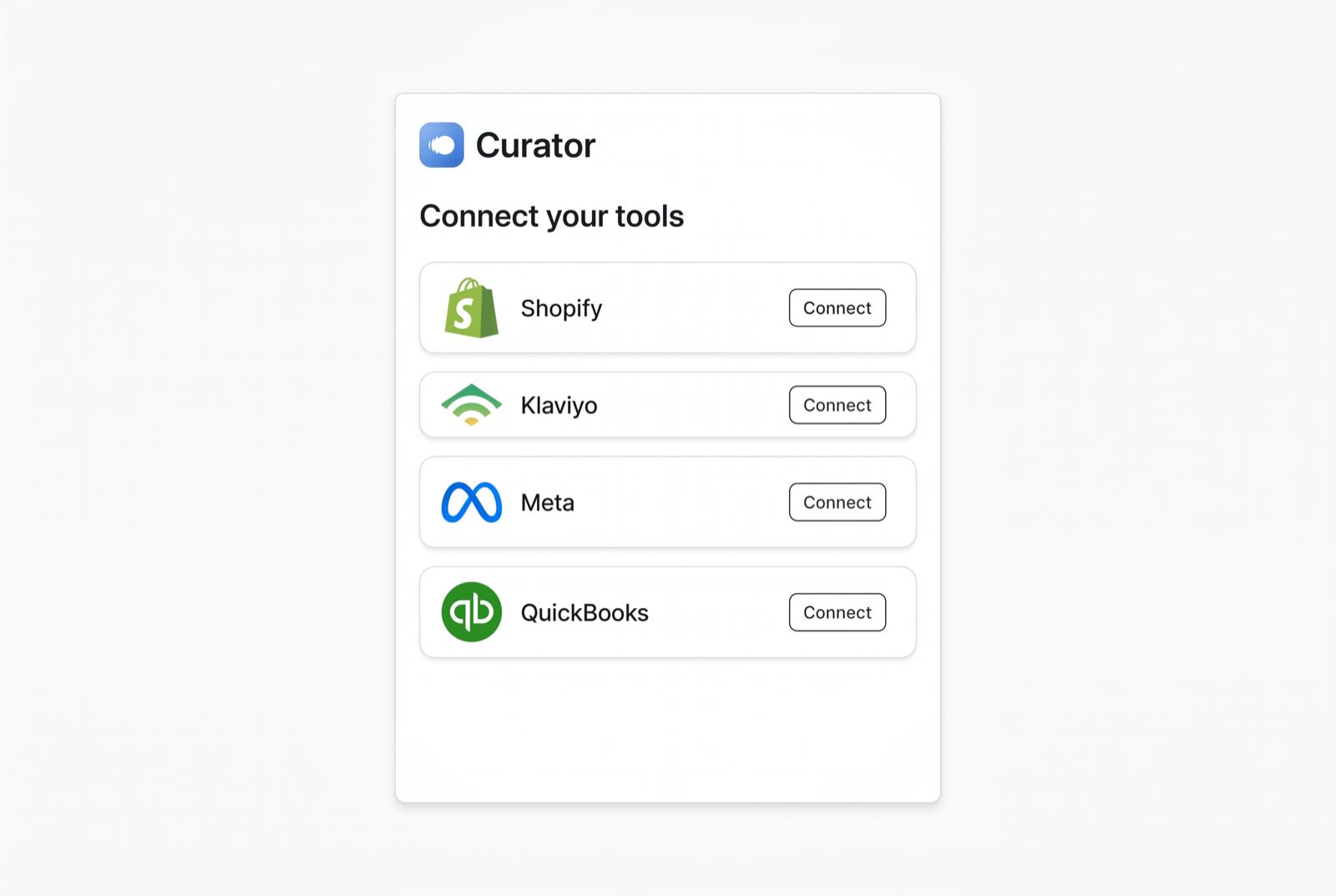
Curator recognizes the page, like an order or a campaign, and brings the numbers behind it.
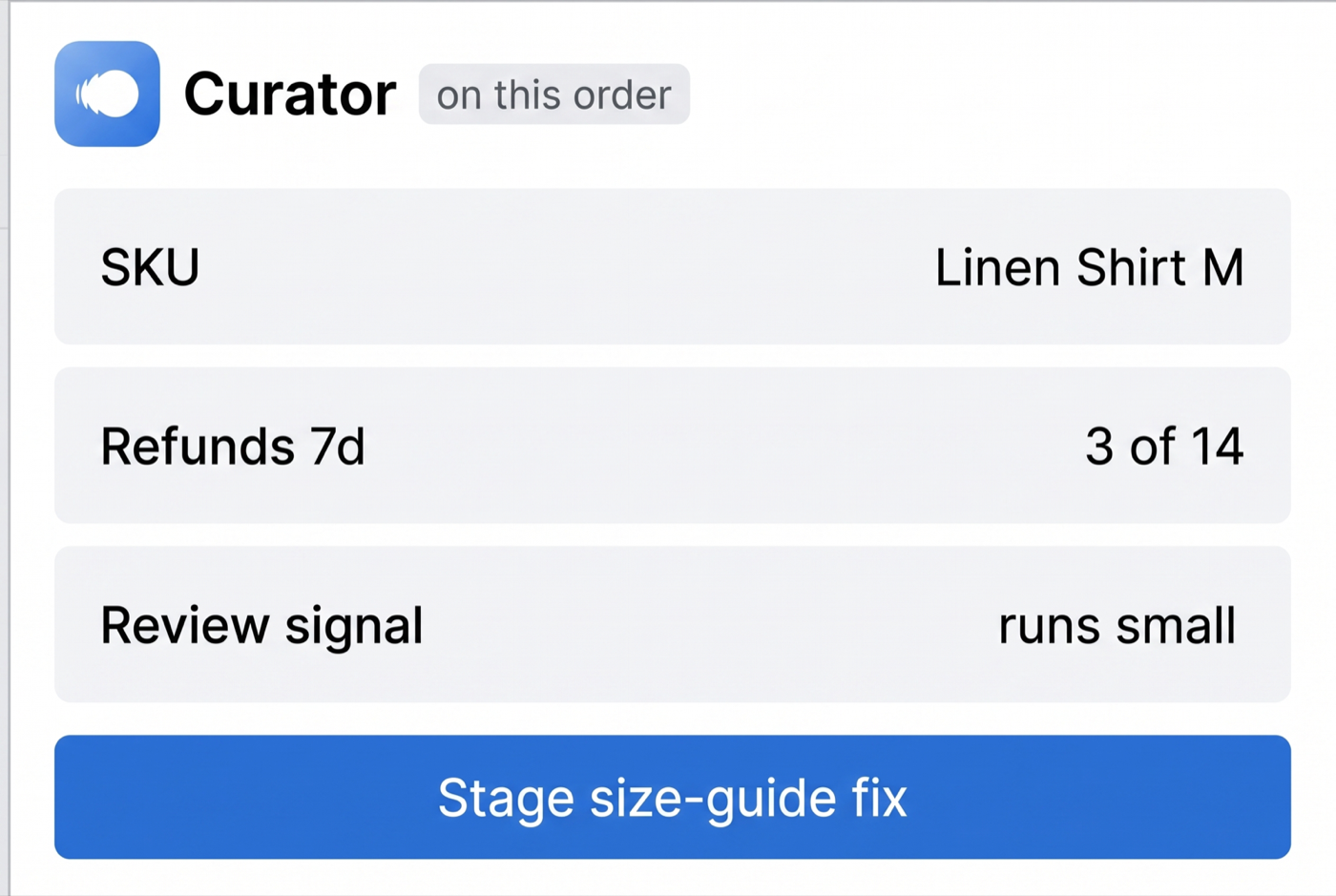
When something is off, the fix waits in the panel. Confirm to apply, roll back with one click.
On every page,
still on your terms.
Curator reads the page to give you context. It never acts on its own. Any change is staged in the panel for you to approve.
- Reads only the tools you connect
- Staged fixes you confirm in the panel
- One-click rollback on anything applied
FAQ
It puts Curator in a side panel on the tools you already use. It reads the page you are on, like a Shopify order or a Meta campaign, and brings the context and the staged next step inline, so you never lose your place.
The tools commerce teams live in, including Shopify admin, Meta Ads Manager, Amazon Seller Central, and Klaviyo, with more added regularly.
No. Curator only activates on the tools connected to your Curator workspace, and it reads the page to give you context. It does not run on unrelated sites.
Only with approval. Curator stages a fix in the panel and applies it after you confirm, with one-click rollback and a full audit trail.
Start with a free audit.
See it on your own data.
Connect your stack and Curator runs a full audit, free. Onboarding a limited number of brands this quarter, no credit card and no sales call to start.
- Every integration in your stack
- Slack, MCP, and the browser extension
- Reports, dashboards, and alerts
- Staged actions with one-click rollback